Understanding Pre-Installed Game Files: A Complete Guide
Gaming has evolved dramatically, becoming a staple of entertainment for a diverse audience. Amidst the rapid developments in graphics and gameplay, a crucial aspect that often remains in the shadows is the role of pre-installed game files. These files, often invisible to the everyday user, are fundamental to the game’s operation, affecting everything from performance to user experience. Thus, understanding their intricacies not only enhances gaming enjoyment but also equips users with the knowledge to troubleshoot common issues.
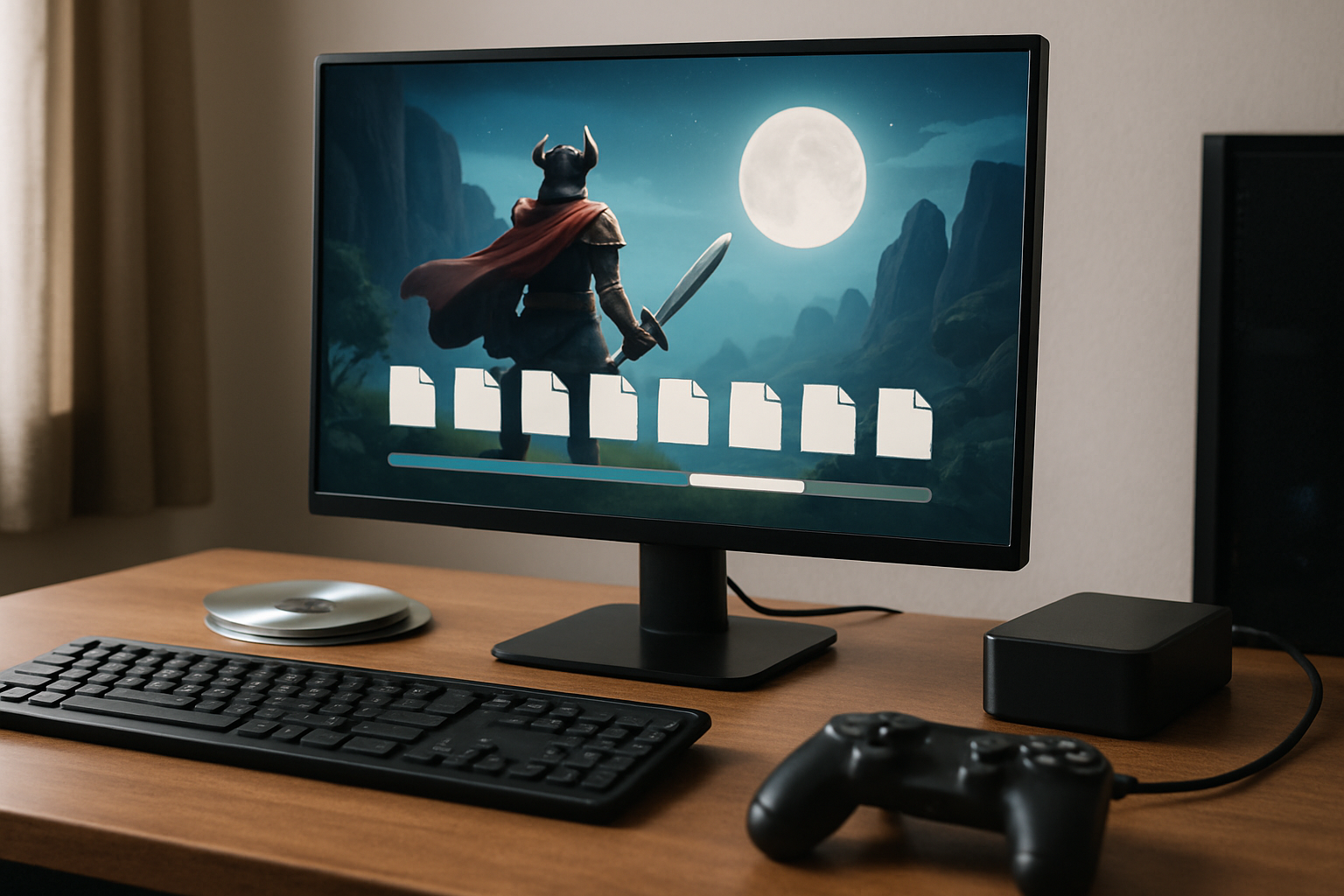
What Are Pre-Installed Game Files?
Pre-installed game files are the essential data sets required by a video game to operate correctly. Unlike downloadable content (DLC) or expansion packs that come after the initial installation, pre-installed files are part of the core game package. They encompass a wide range of files, each serving a specific function, from coding scripts that dictate gameplay mechanics to high-resolution textures that enhance visual aesthetics. The amalgamation of these files into a cohesive system is what allows players to enjoy a seamless gaming experience.
When a game is installed, whether from a physical disc or a digital download, these pre-installed files are copied to the device’s storage. Their primary purpose is to ensure the game can start, run, and deliver the intended user experience without interruption. This includes everything from the game’s graphical interface to its audio, physics, and AI systems. Without these files, a game would lack the foundation needed to bring its virtual world to life.
Components of Pre-Installed Game Files
Delving into the anatomy of pre-installed game files reveals a complex structure. This structure can vary significantly between games due to diverse genres, platforms, and development engines. Nevertheless, several core components are commonly found in most games:
- Executable Files (.exe): These files are crucial in launching the game. They execute the necessary instructions to start the game and integrate various systems like graphics and sound.
- Configuration Files: These files hold settings that personalize gameplay. Adjustments to resolution, sound levels, or control mappings are stored here, allowing players to tailor the game environment to their preferences.
- Asset Files: These include all the visual and audio elements of the game, such as textures, models, sound effects, and music. For instance, the high-definition graphics of modern games or the immersive soundscapes are possibilities because of these assets.
- Database Files: Used primarily in games with vast worlds or multiple interactive elements, these files track player progress, inventories, and in some cases, non-playable character states and world events.
The Importance of Pre-Installed Game Files
The significance of these files becomes apparent when considering their impact on gameplay and user experience. They are directly responsible for ensuring that every level loads quickly, graphics render correctly, and user inputs are translated into game actions seamlessly. Moreover, these files can significantly affect the game’s performance. High-quality textures and intricate 3D models, while visually appealing, require more storage and can result in longer load times if not optimized.
Pre-installed game files also play a crucial role in determining a game’s compatibility with various systems. Developers have to optimize these files to ensure that games run smoothly on different hardware configurations, from powerful gaming rigs to standard laptops. By understanding and managing these files, users can troubleshoot many performance issues, such as frequent crashes or long loading times—common headaches in the gaming community.
Common Issues and Their Solutions
Despite their importance, pre-installed game files are not immune to problems. Players may encounter several common issues, but most have straightforward solutions:
- Corrupted Files: File corruption can occur during downloads, updates, or even transfers. Most gaming platforms offer a built-in feature to ‘verify integrity of game files,’ which scans these files for errors and replaces any corrupted ones.
- Missing Files: Sometimes, missing files are the result of incomplete installations or failed updates. Reinstallation or using the repair function provided by gaming clients can rectify this issue.
- Incompatibility Issues: Hardware not meeting game specifications can lead to performance problems. Ensuring that your system drivers are updated and adjusting in-game settings to match your hardware capabilities can alleviate these issues.
- Outdated Files: With regular updates and patches released by developers, keeping game files up to date is crucial. Delay in updating can lead to missing out on new features or critical bug fixes.
Strategies for Managing Pre-Installed Game Files
Effective management of these files can lead to a better gaming experience. Here are a few strategies that gamers can follow:
- Regular Backups: Creating regular backups of your game files helps in avoiding complete loss if something goes wrong. Cloud saves offered by many platforms are an excellent way to ensure that progress isn’t lost.
- Utilize Game Management Tools: Use the tools provided by gaming platforms like Steam or Epic Games for managing and repairing game files. These tools are designed to streamline the process and minimize user error.
- Optimize System Performance: Ensure your system is in top condition by clearing unnecessary files, running anti-malware scans, and performing regular defragmentation (if using HDDs) to keep load times in check.
- Follow Community Forums: Engaging with community forums allows you to stay informed about common issues and solutions that others have discovered, making it easier to troubleshoot problems before they affect your gaming.
Conclusion
Pre-installed game files are the unseen powerhouse behind the dynamic and immersive worlds of video games. Understanding the components and management of these files not only enhances the gaming experience but also empowers players with the tools needed to resolve many common technical issues. As the digital landscape continues to evolve, the significance of these fundamental elements will undoubtedly grow, underscoring the need for players to remain informed and proactive.
Disclaimer
Disclaimer: The information provided in this article is for educational and informational purposes only. It does not constitute professional advice. Readers should conduct their own research and consult with qualified professionals before making any decisions.
Glossary
- Asset Files: Files containing visual and audio elements like textures and sounds.
- Configuration Files: Files storing settings for tailored gameplay experiences.
- Database Files: Files used for tracking game progress and states.
- Executable Files (.exe): The main files used to launch and run the game.